Lumaref 0.0.5-beta — Isolate, GIF Support, Trackpad Drag, Better Groups
Context menus cleaned up, shortcuts visible in the menu, isolate any image with I, full GIF support with play/pause and frame stepping, trackpad canvas dragging, smarter groups, and the start of an auto-updater. Plus a 15-day free trial.
Lumaref 0.0.5-beta is out. Headline feature: isolate any image with one keystroke. Full GIF support with controls. Trackpad canvas dragging. Smarter groups. And the start of an auto-updater.
Quick note on the license model: Lumaref now ships with a 15-day free trial so you can try the full app before buying. After the trial, it’s a one-time license — buy it once, own it forever, free updates. (Previous beta had a $9 entry on itch.io. That’s gone.) Beta buyers lock in the launch price before it goes up at v1.0.
It’s also license-based now — proper key, real auto-updates. People who already bought the previous beta will get license keys in their email / itch / Discord inbox.
Now the actual features.
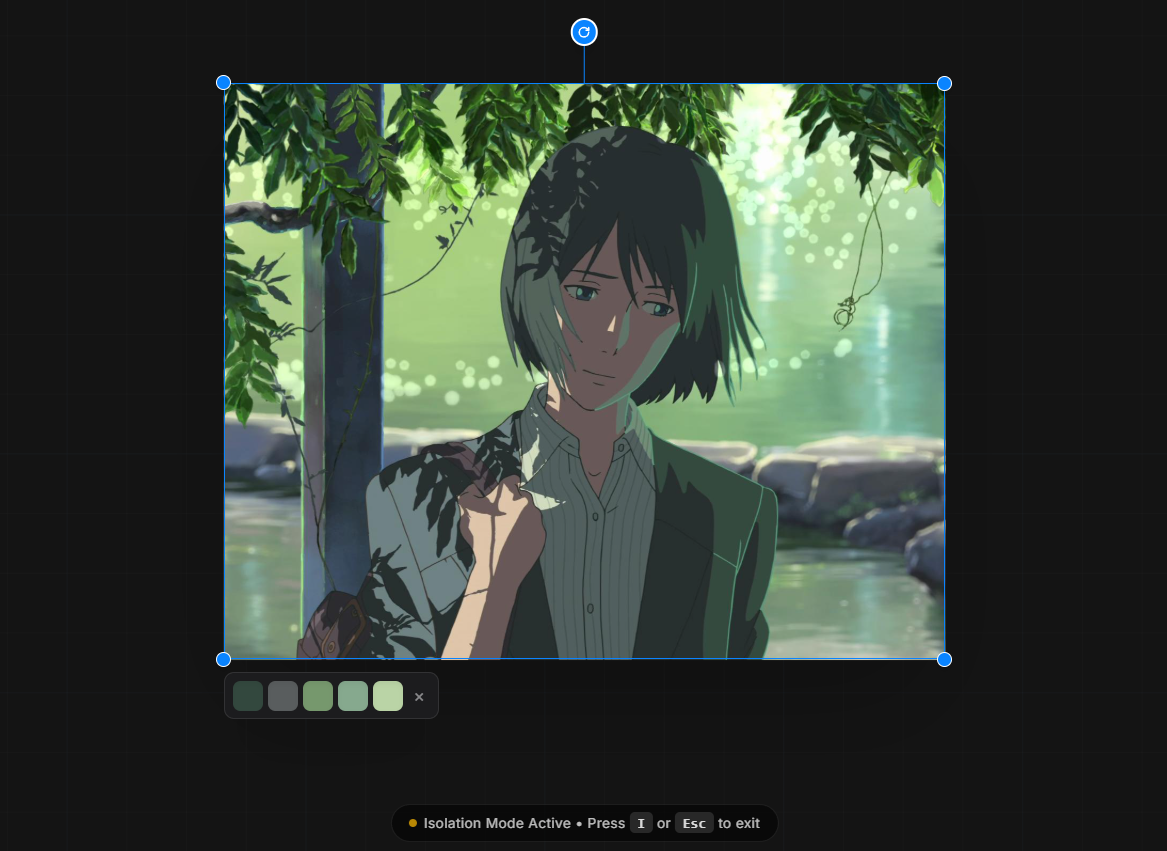
Isolate image with I
Click any image on the board and press I — everything else fades out and you’re looking at just that one reference. The shortcut is configurable if you want to remap it. It’s the focus mode I always wanted for crowded boards: when a reference matters, push everything else out of the way without losing the rest of your session.
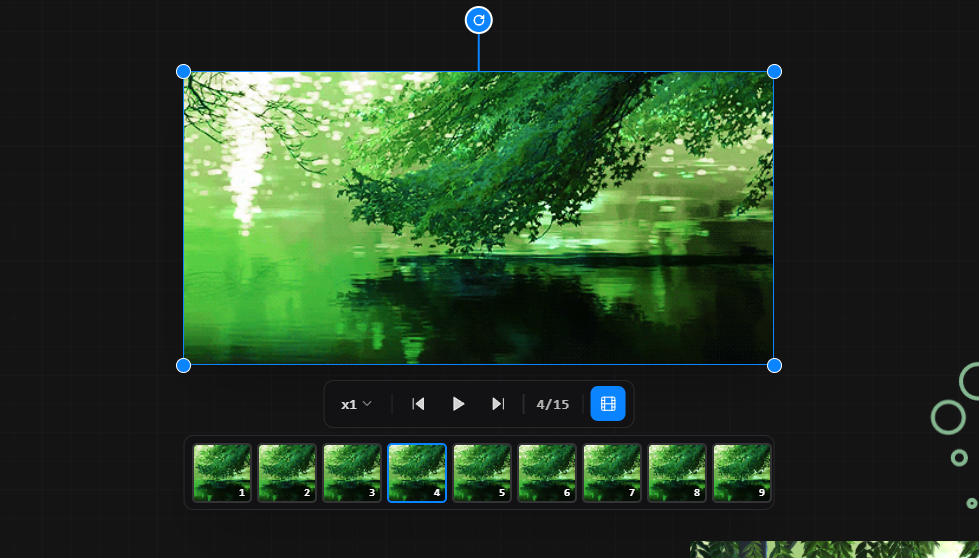
GIF support — with real controls
This one was requested a lot. GIFs are now first-class on the board. You get play / pause and frame-by-frame stepping, so you can actually study motion — pause on the apex of a jump, step through a gesture one frame at a time, compare a walk cycle in stills. The image node operations (flip, grayscale, crop, etc.) work on GIFs too.
Context menus got organized
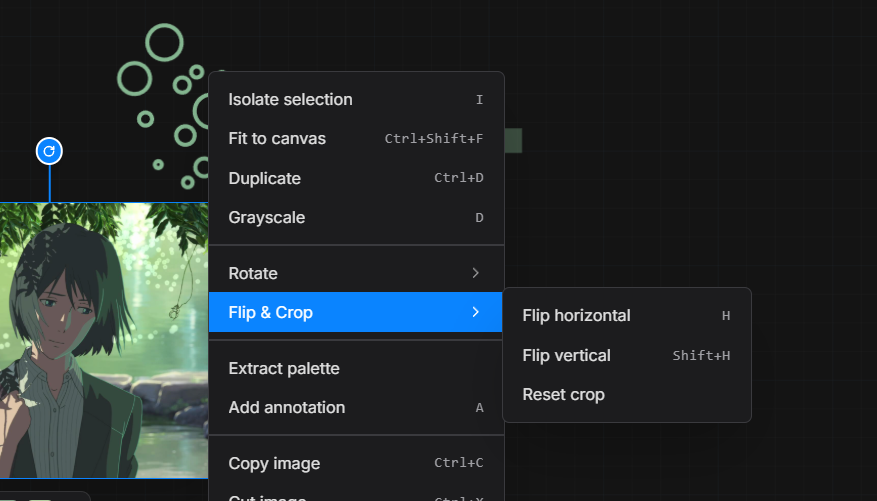
The right-click menu was getting long. Rotation, flipping, and similar transforms are now in their own submenus, so the top level reads cleanly. Everything’s where you’d expect it.
Shortcuts are visible in the context menu
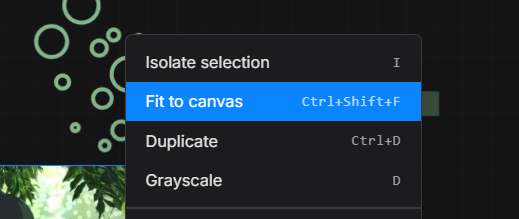
If a shortcut is set for a feature, it shows up right next to it in the menu. No more guessing, no more digging through settings to remember what key does what.
Trackpad dragging
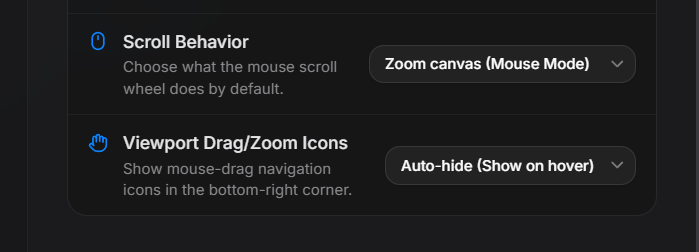
Hold Space + left click to drag the canvas. This was the main pain point for trackpad users — the canvas was hard to pan without a proper mouse. There’s also a new touch device option in settings if you’re on a touchscreen.
Groups got better
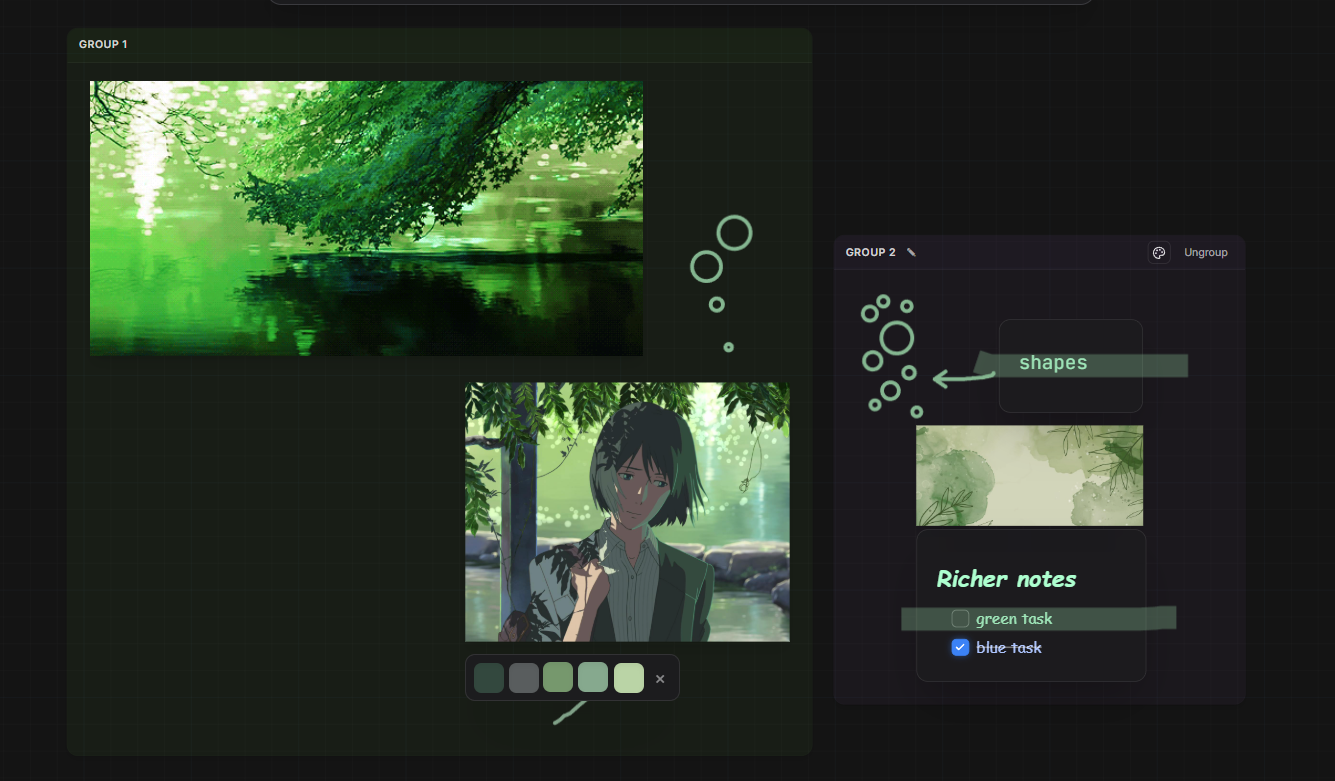
Groups now have a background color tint and a proper title. You can ungroup easily, drag any of the contents to resize the group container up or down, and it generally behaves how you’d expect a group to behave. Less fiddly, more obvious.
Auto-updater (beta)
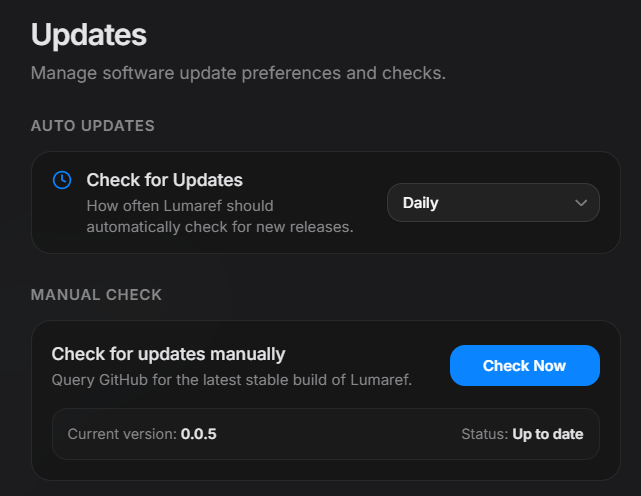
Still early, but it’s in. The app can check for and pull updates on its own now. Let me know if it breaks anything — that’s what this phase is for.
Fixes
- macOS fullscreen bug is fixed — let me know if you still see issues on Mac
- Zoom behavior smoothed out
- Node frames were breaking at extreme zoom levels — fixed
Try it free for 15 days
Grab it from the Lumaref page — your platform is detected automatically and the latest build is pulled from GitHub. 15-day trial, full app, all features unlocked, no account needed.
Thanks everyone for being with this journey. I hope you enjoy these new features.